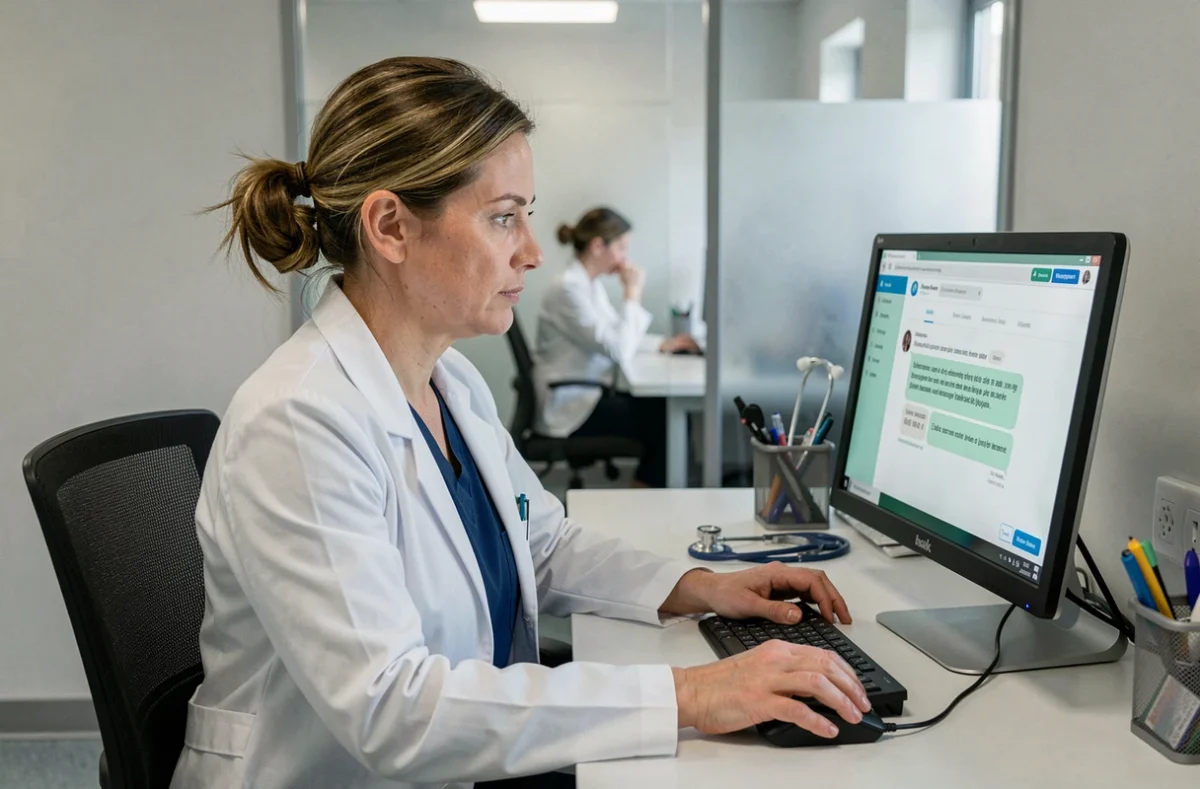
Receiving an operative report at 2 a.m. in an inbox that nobody checks before 8 a.m. means a clinical message is left pending for six hours.
At AP-HP, where teams work 12- or 24-hour shifts, secure messaging is not just a login issue: it is an organizational one. MSSanté, the trusted digital health messaging service managed by ANS, provides the technical framework. The question is how each department organizes its inboxes so that handovers run smoothly.
Handing over an AP-HP department inbox: ensuring traceability between teams
Have you ever opened a shared inbox on a Monday morning to find a dozen unread messages from the weekend? The problem is not the messaging service itself, but how access is organized during shift changes.
ANS distinguishes three types of MSSanté addresses: personal, organizational, and application-based. For an AP-HP hospital department, an organizational address is the only suitable option for a shared inbox. It belongs to the unit, not to an individual practitioner. Each professional signs in with their own credentials, preserving a record of who read, replied to, or forwarded each message.
In practice, this means that an on-call resident and a daytime senior registrar can access the same inbox without sharing a password. Sign-in remains tied to an individual, even for a shared address, in line with ANS recommendations. If the resident opens a message at 3 a.m., the system records the action under their name.
For handovers to work, you also need to use AP-HP messaging for healthcare professionals with clear internal rules: who handles incoming messages during the on-call shift, who takes over at the change of shift, and what is the maximum acceptable time before a message is first read.
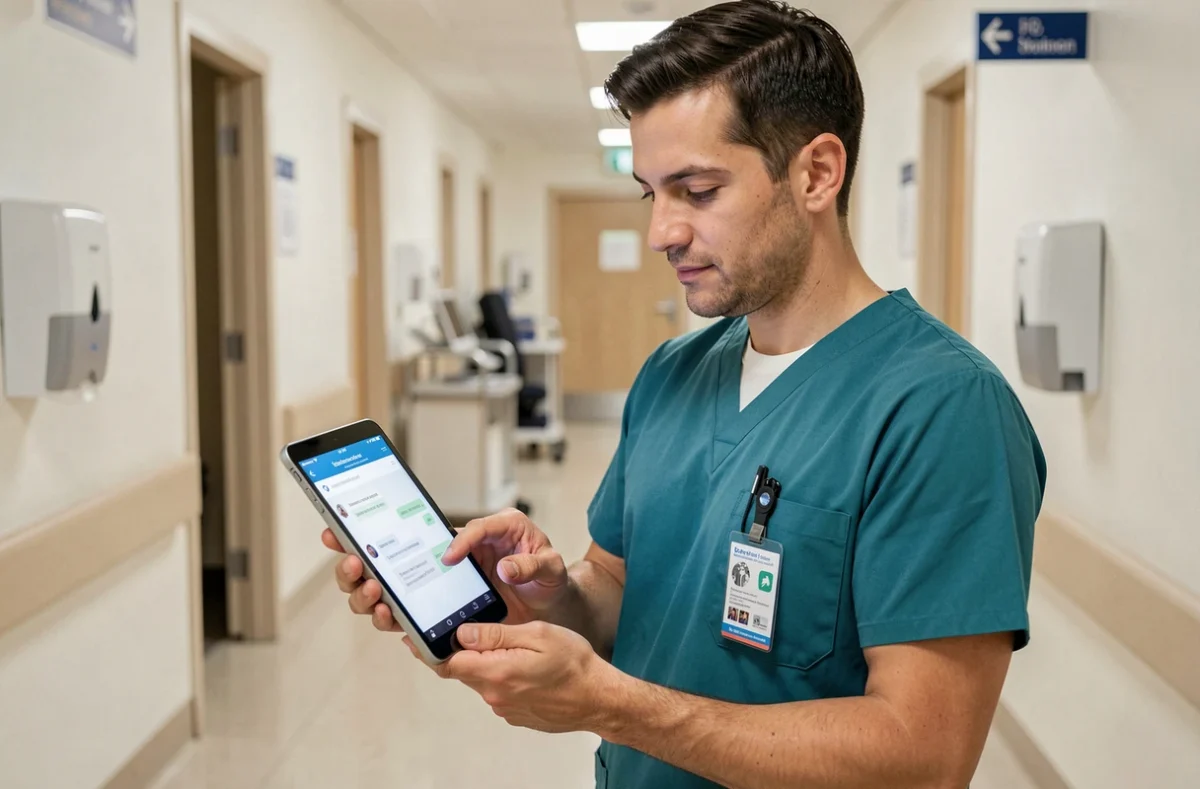
Setting up access delegation and out-of-office messages on MSSanté
ANS recommends two complementary ways to cover absences: access delegation and an automatic out-of-office message. They are configured differently, and confusing the two can leave gaps.
Delegating access to a replacement
A practitioner going on leave can delegate access to their personal inbox to a named colleague. The replacement can then access messages using their own credentials. The history shows who acted on each message, even while the account holder is away.
Delegating access does not mean transferring clinical responsibility. The delegation arrangements should specify which types of messages the replacement can handle independently and which require a call to the account holder.
Out-of-office messages and triage by administrative staff
ANS identifies administrative staff as a key part of message triage during absences. A well-written out-of-office message directs the sender to the right contact. A vague message such as “away until the 15th, thank you for your patience” solves nothing.
A useful out-of-office message includes three things:
- The name and MSSanté address of the designated replacement for urgent requests
- The department’s on-call number for immediate clinical situations
- The exact return date and the date the personal inbox will be monitored again
An incomplete out-of-office message is worse than no message at all, because it creates the illusion of continuity where none exists.
MSSanté addresses: avoid creating unnecessary inboxes
ANS recommends a separate MSSanté address for each practice setting, but advises against creating multiple addresses for the same activity. A practitioner who works in both outpatient consultations and inpatient care in the same AP-HP department does not need two personal addresses.
Why? Because each additional address increases the risk of misdirected messages. An external correspondent who has to choose between two addresses for the same practitioner may send a message to the wrong one—or worse, to both—creating duplicate entries in the patient record.
For a hospital department, the clearest setup has three levels:
- One organizational address for the department (for receiving reports and correspondence from other providers)
- One personal address for each attending practitioner (for named exchanges with community-based colleagues)
- No application-based address unless required by a business application (EHR, teleconsultation platform) to automatically populate the record
This setup limits the number of inboxes to monitor while ensuring that every professional can be reached.

Communicating with patients through Mon espace santé: what AP-HP professionals need to initiate
MSSanté can also be used to communicate with patients, provided they have a Mon espace santé account. The key point is that the professional must always initiate the conversation. Patients cannot send a healthcare provider the first message through this channel.
This rule prevents professional inboxes from being overwhelmed by untriaged requests. It also requires practitioners to decide in advance which exchanges should take place through secure messaging and which call for a phone call or consultation.
In practice, the most common uses are sending test results or post-operative instructions. The patient receives a notification in Mon espace santé and can reply in the conversation thread opened by the professional. The entire conversation remains traceable within the MSSanté trusted environment, setting it apart from an ordinary, unsecured email.
AP-HP messaging, built on MSSanté, works well when the department’s organization plans for absences, keeps the number of addresses to a minimum, and makes clear who reads what and when. The technical setup takes just a few minutes. Building the discipline to use it consistently takes time.